The Benazir Income Support Programme (BISP) continues to support millions of families across Pakistan in 2026.How to Check BISP 8171 Payment by CNIC in 2026 To make the system more transparent and user-friendly, the government has introduced simple ways to check your BISP 8171 payment status using your CNIC.In this guide, you’ll learn the easiest methods to check your eligibility and payment details from home.
📌 What is BISP 8171?
The BISP 8171 service is an official system launched by the Government of Pakistan that allows citizens to:
- Check eligibility status
- Verify payment details
- Track financial assistance
It is designed especially for low-income families who depend on government support.
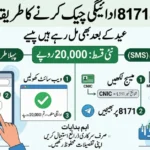
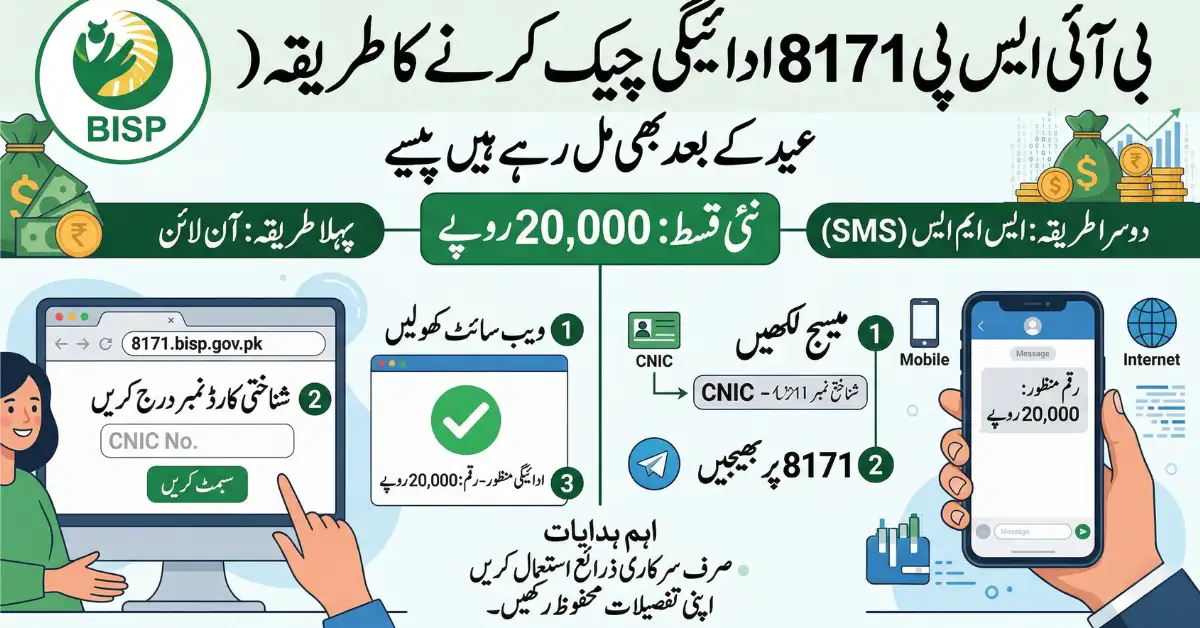
📱 Method 1: Check BISP Payment via SMS (8171)
This is the easiest method and works without internet.
Follow these simple steps:
- Open your mobile messaging app
- Type your 13-digit CNIC number (without dashes)
- Send it to 8171
- Wait for a reply message
You will receive an SMS with:
- Your eligibility status
- Payment details (if available)
👉 This method is best for people living in rural areas or without internet access.
🌐 Method 2: Check BISP 8171 Payment Online
For more detailed information, you can use the official web portal.
Steps to check online:
- Visit the official 8171 web portal
- Enter your CNIC number
- Type the captcha code shown on the screen
- Click on the “Check” button
You will see:
- Payment status
- Eligibility confirmation
- Details of any pending installments
📝 What to Do If Record Is Not Found?
If your CNIC shows “Record Not Found”, don’t worry.
This means you are not yet registered in the system. You should:
- Visit your nearest BISP Tehsil Office
- Complete the NSER (National Socio-Economic Registry) survey
- Update your household information
👉 This step is necessary to become eligible for future payments.
🏢 Registration Through Dynamic Registry (2026 Update)
In 2026, BISP uses a Dynamic Registry System to include more deserving families.
To register:
- Visit the nearest BISP center
- Bring your original CNIC
- Carry children’s B-Forms (if applicable)
This system ensures fair and updated data for all applicants.
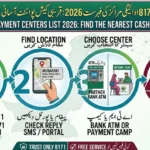
💳 How to Withdraw BISP Payment in 2026
Once your payment is approved, you can withdraw money through:
- ATMs of Habib Bank Limited (HBL)
- ATMs of Bank Alfalah
- BISP-authorized retail shops
👉 Biometric verification (thumbprint) is required for withdrawal.
📊 Quick Reference Guide
| Service | Purpose | Action |
|---|---|---|
| Eligibility Check | Confirm registration | SMS CNIC to 8171 |
| Payment Status | Check payments | Use 8171 web portal |
| Registration | New or update data | Visit BISP office |
⚠️ Important Tips
- ✅ All BISP services are completely free
- ❌ Never share your CNIC with unknown callers
- ⚠️ Avoid agents asking for fees
- ✔️ Always use official channels (8171 SMS or portal)
❓ Frequently Asked Questions (FAQs)
Q1: Why is my CNIC not showing any record?
You need to complete the NSER survey at your nearest BISP office.
Q2: Can I check BISP payment without internet?
Yes, simply send your CNIC to 8171 via SMS.
Q3: Is there any fee for checking BISP status?
No, all services are 100% free.
✅ Final Thoughts
Checking your BISP 8171 payment by CNIC in 2026 is now easier than ever. Whether you use SMS or the online portal, the process is quick, simple, and accessible to everyone.
If you are eligible, make sure to regularly check your payment status and keep your information updated to continue receiving financial support.
If you want, I can also:
- Add SEO meta title + description
- Create a featured snippet (rank #1 optimized)
- Convert this into a viral Facebook post or YouTube script